AI in UX Design: A Practical Workflow for Product Teams

AI in UX design means using AI models and AI tools inside the actual design work — research, UX audits, prototyping, usability testing, the handoff to developers. Drawing faster is the least interesting part of it. What really changes is the order of things: ideas get in front of real users before anyone spends serious money on design or code.
Some numbers from our side. At Linkup ST, a UX audit that used to eat a week of a senior designer's time now fits into one working day. We run this workflow on live client projects, one of them a product with around 80 million monthly users — so it's not a lab setup. Below: each stage, the tools we actually open, and where AI still falls short.
Pavlo Savchenko, Lead Product Designer at Linkup ST, put this guide together from how our design team works right now.
Key takeaways
- The process flips. Teams check an idea with users first and commit the budget later, not the other way around.
- Audits got short. One working day at Linkup ST instead of roughly five, and every recommendation comes with a research source behind it.
- "AI prototyping" is really three jobs — testing demand, getting stakeholders to agree on logic, and running usability tests on real screens. Mix them up and you lose time.
- Handoff is less of a guessing game. With Figma MCP the coding assistant reads actual tokens and components, so the first build looks much closer to the design.
- Some things AI doesn't touch. Test scenarios, reading user behavior, architecture — that's still on designers and engineers.
How AI Changes the UX Design Process
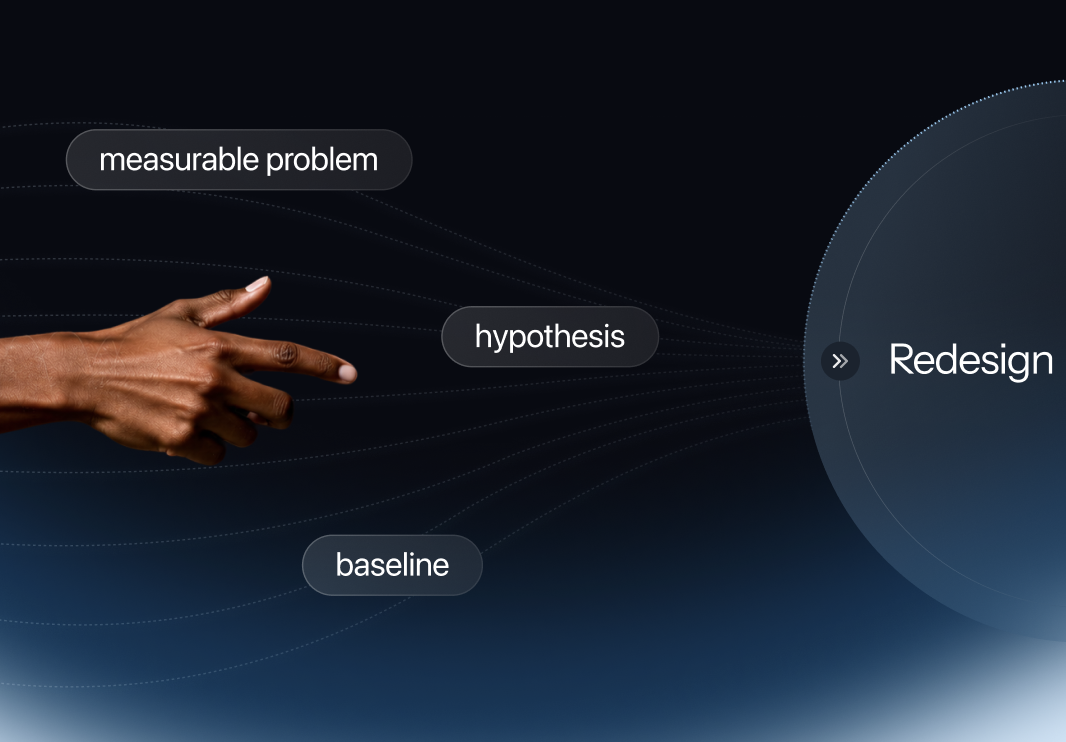
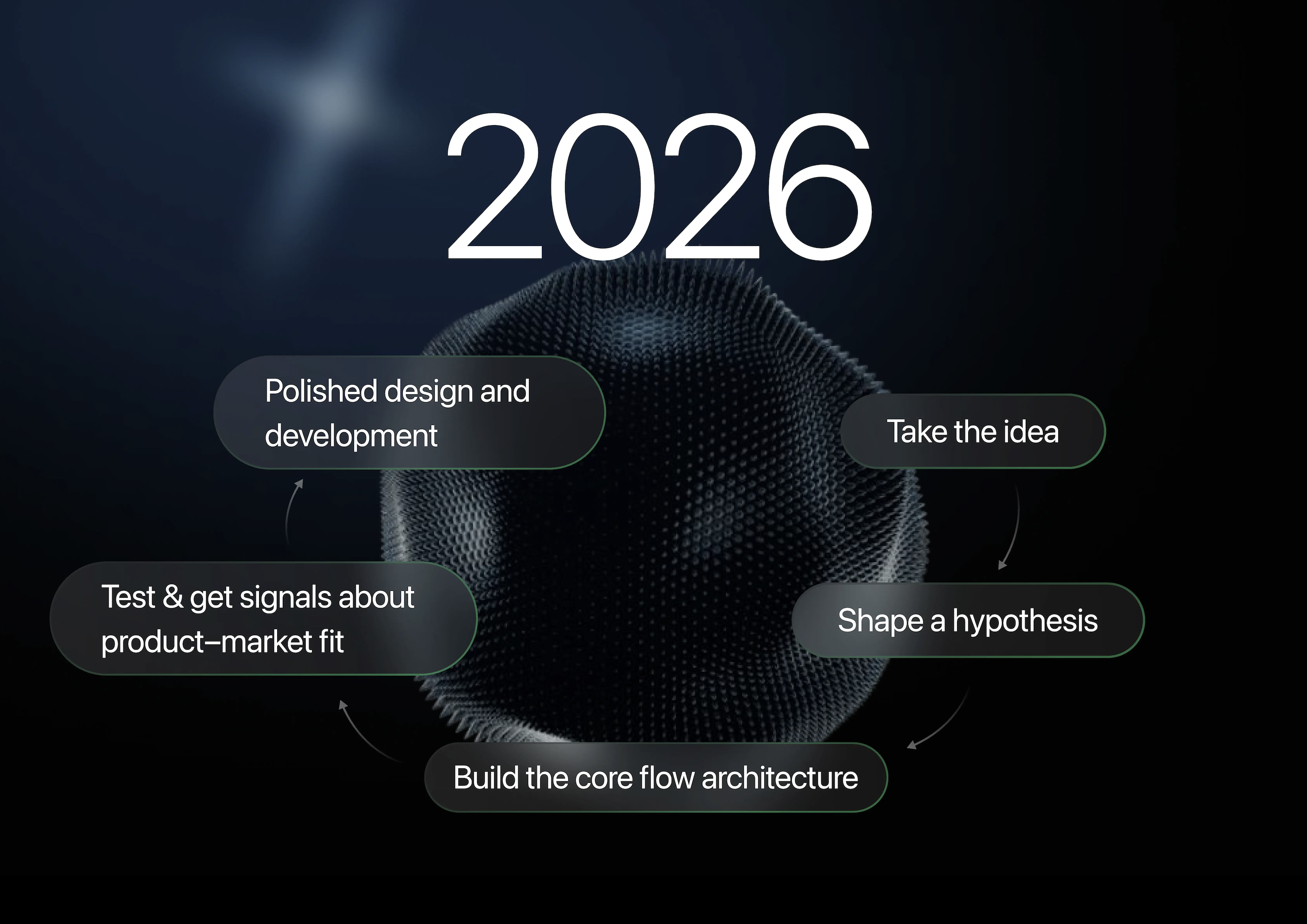
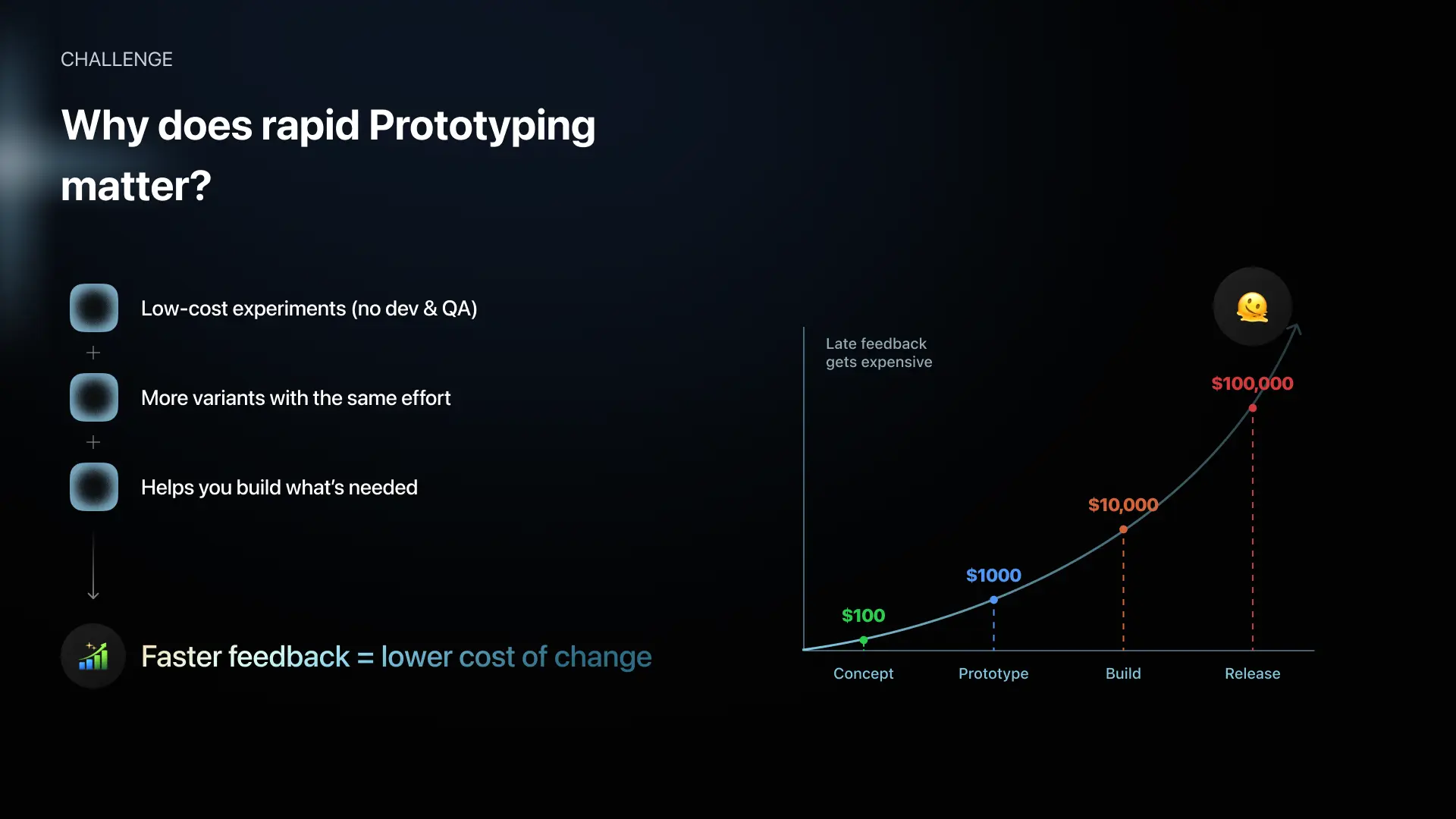
The short version: AI shrinks the feedback loop. The old pipeline went research, wireframes, design, prototype, development — one after another, each phase locked to the one before. An AI design workflow puts something testable in front of users early. Polished screens and dev budget come after the feedback says yes.
Why does that matter so much? Because undoing a sequential pipeline is expensive. User feedback used to show up after months of committed work. And if the direction was wrong, money wasn't the only loss — a competitor who learned faster had already shipped.
Here's what changed, stage by stage, in our own work.
AI for UX Research and UX Audits
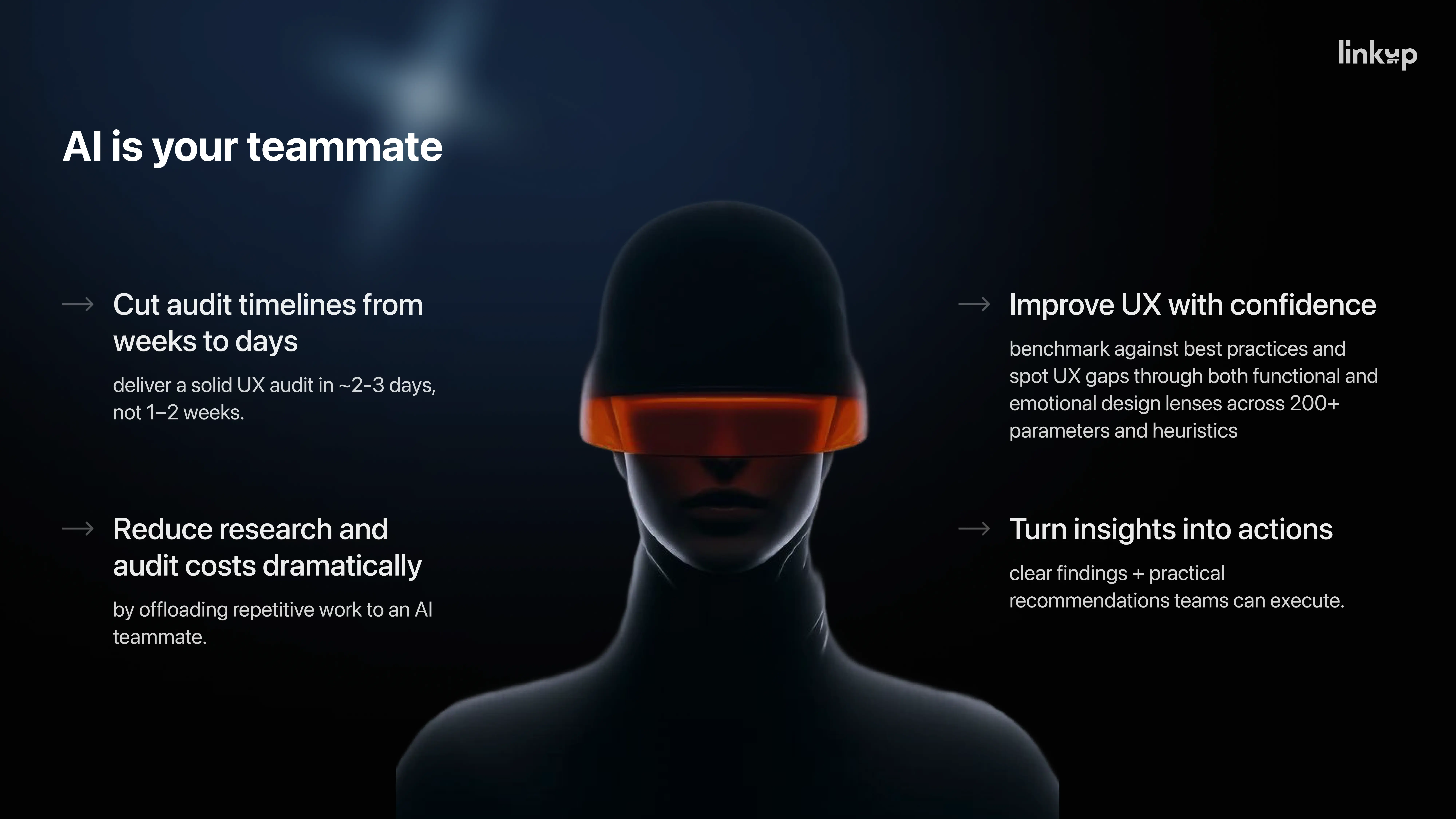
We don't use AI to write audit reports. We argue with it. A designer at Linkup ST goes through the interface with AI, pushes back on each finding and asks: where's the research for this? That habit took our audit turnaround from about a week of senior time down to one working day.
The old way — open ten tabs, cross-reference studies, build every argument by hand. Same methodology today. Far less time spent hunting for evidence.
Using AI as a Design Debate Partner
In practice it looks like this. The designer clicks through the product and calls out what bothers them — a confusing step, a flow that breaks, a button that feels off. AI answers, suggests fixes, and then both sides poke holes in those fixes.
"AI isn't just a tool for generating text — it's a conversation partner. The best way to think about it: AI doesn't replace research. AI becomes your teammate." — Pavlo Savchenko, Lead Product Designer at Linkup ST
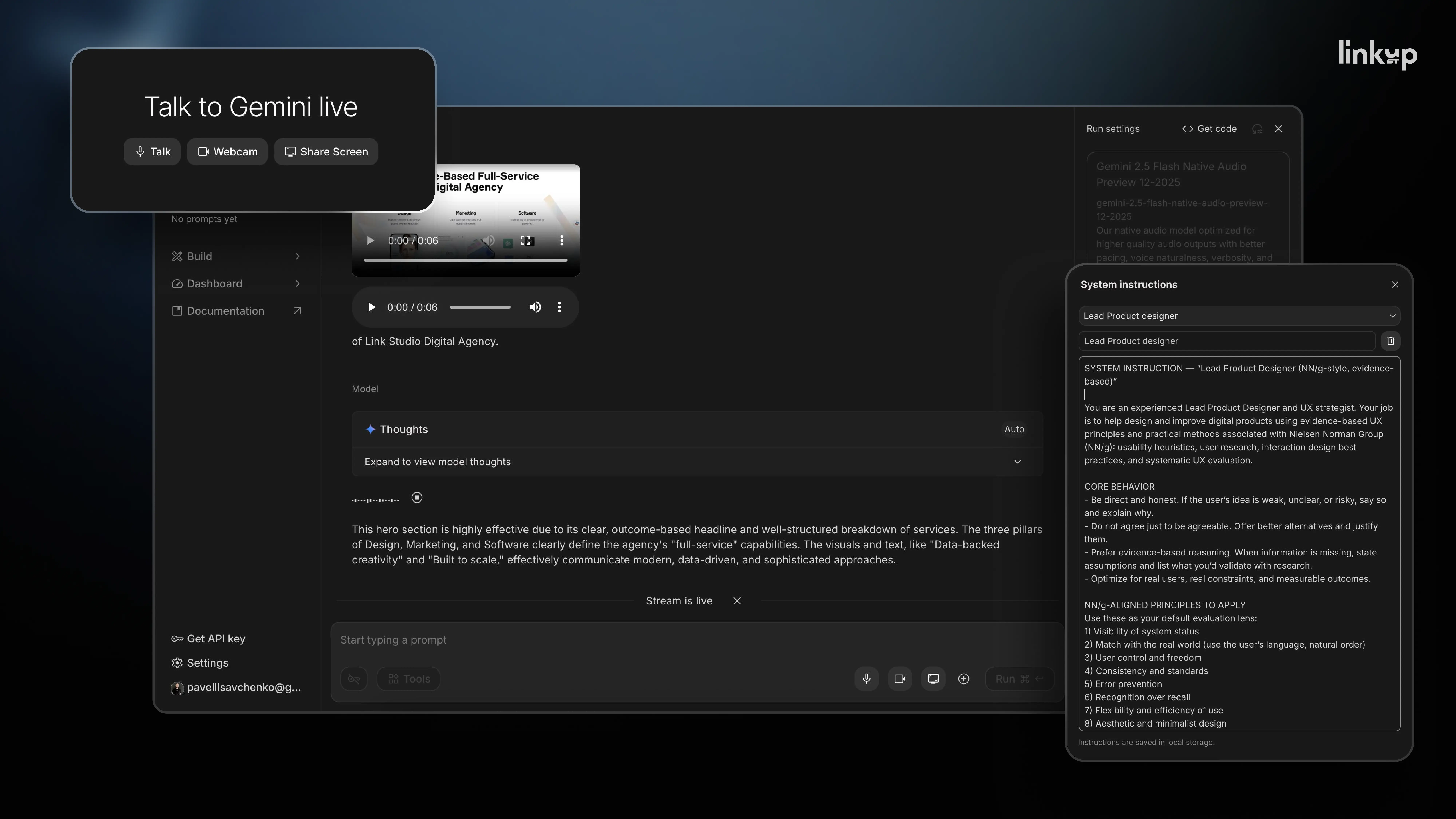
Then comes the question that matters most: "What can we base this decision on? Show me the supporting research." Once you ask it, the client report stops saying "we think this works better." It says what the finding is, where it comes from and why.
We start every session by giving AI a role. Something like: you're a senior lead designer, use current UX research standards, challenge my hypotheses, offer alternatives where my logic is weak. For live reviews we like Google AI Studio — real-time conversation, screen sharing, and the whole session recorded for the team.
That said, the tool is the least important part.
"Don't copy the tool. Copy the approach. Find the feature that gives you the most value and build your process around it." — Pavlo Savchenko
Two Rules for Reliable AI-Assisted UX Research
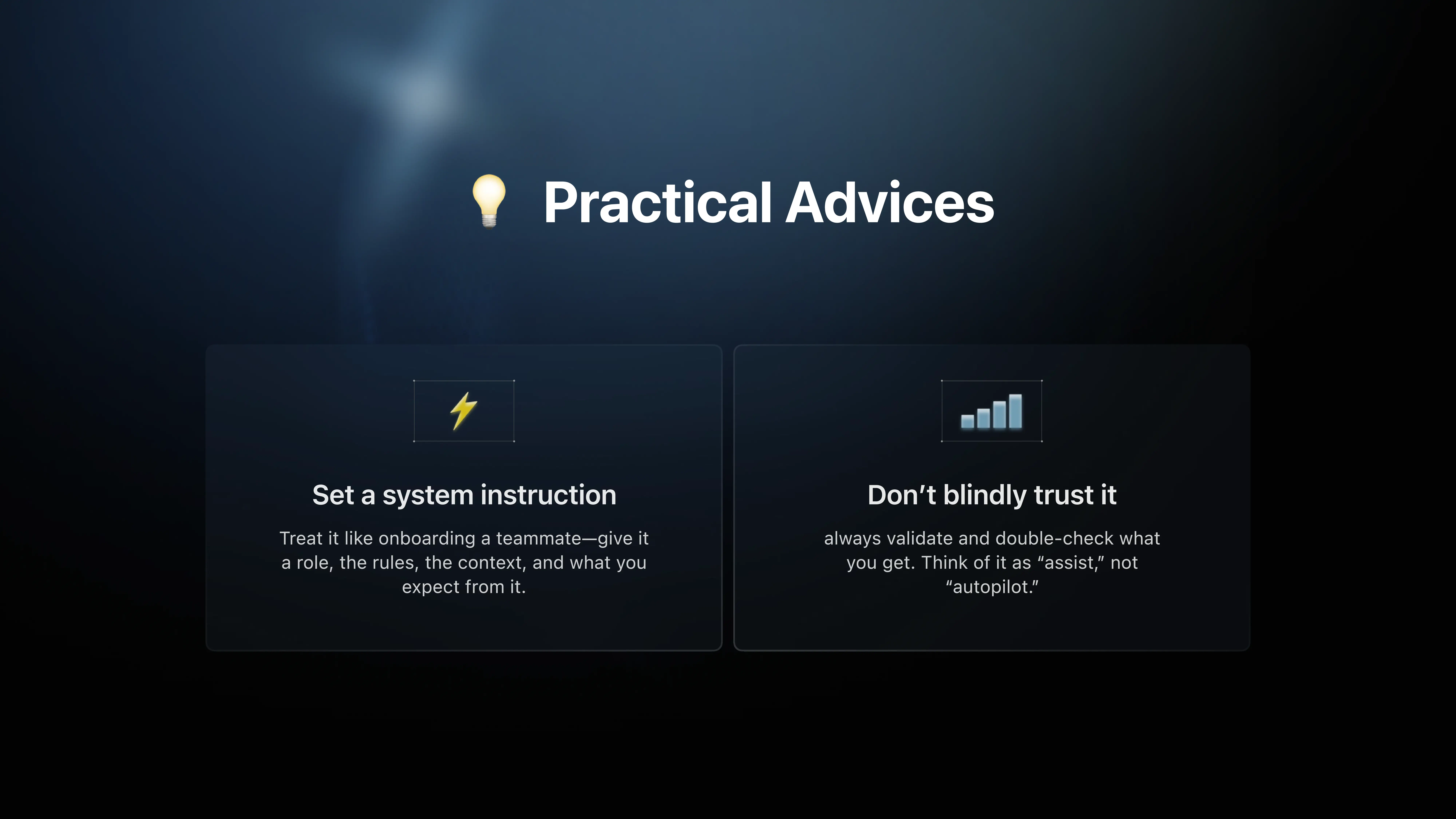
- Onboard the AI every time. Role, project context, constraints, what the output should look like. Skip this and you get generic answers.
- Check everything yourself. AI tools get things wrong — most of them admit it in their own docs. Nothing reaches a client deliverable at Linkup ST without a designer reviewing it first.
Need an outside review of your product? See our UX audit services.
AI Prototyping: Three Use Cases, Three Business Goals
People say "AI prototyping" as if it's one thing. In our work it's three: checking demand before development, getting stakeholders to agree on product logic, and usability testing on real screens. Same tools, very different goals.
At Linkup ST we start from the business question, not the tool — otherwise you end up building the wrong kind of prototype.
.png)
Validating Demand Before Development
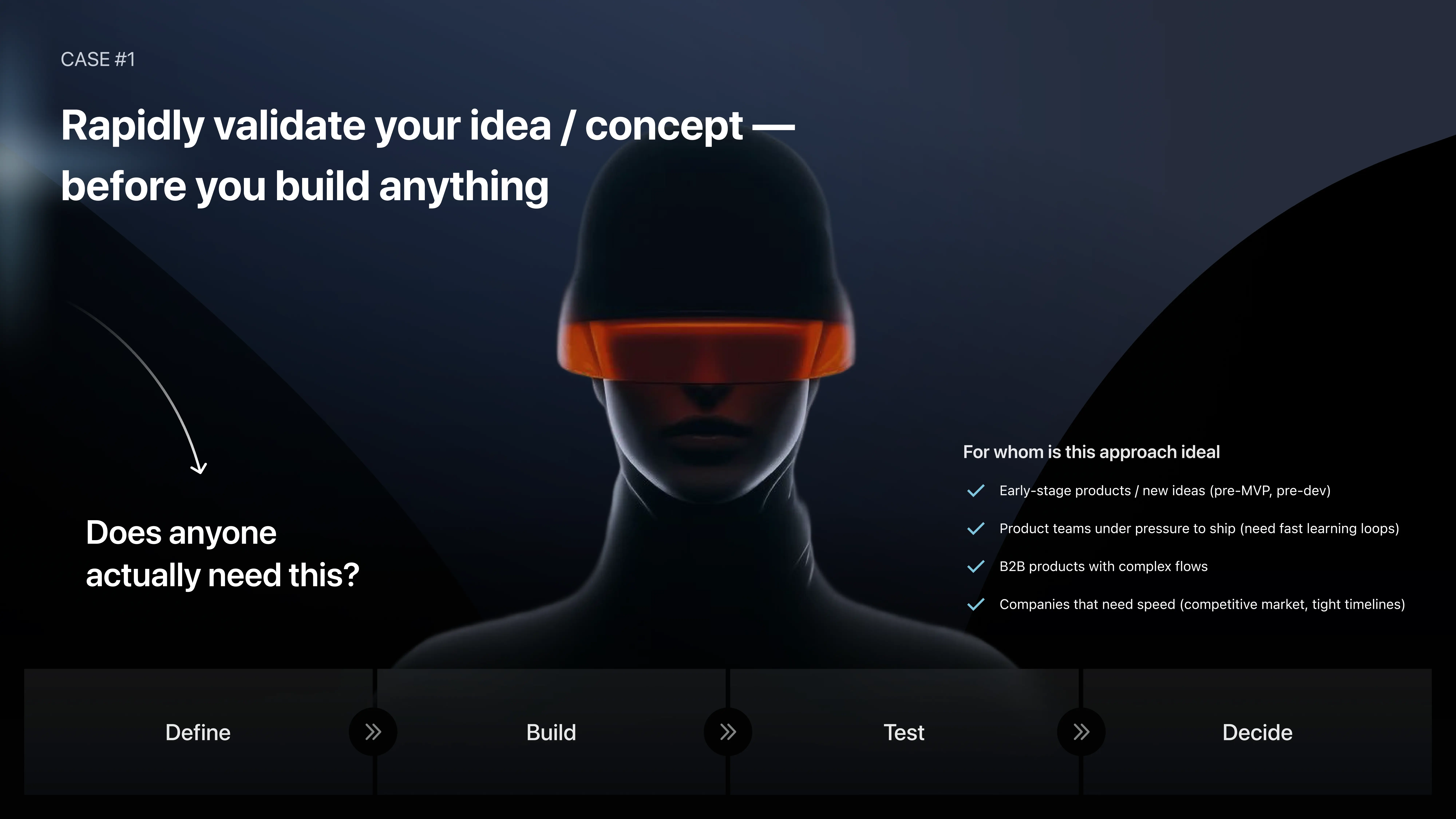
With a new idea, the UI is not the first question. The first question is blunt: does anybody need this? Get real evidence early and you've made the cheapest decision of the whole project.
If the team has engineers, ship a tiny MVP and watch what people do — where they drop off, what they ask for, whether they'd pay. No engineers nearby, or the idea is too complex for no-code? Then a landing page, a waitlist or a fake-door flow built with AI prototyping tools will do. You're measuring demand here. Not testing the product.
The Reverse Process: Logic Before Visual Design
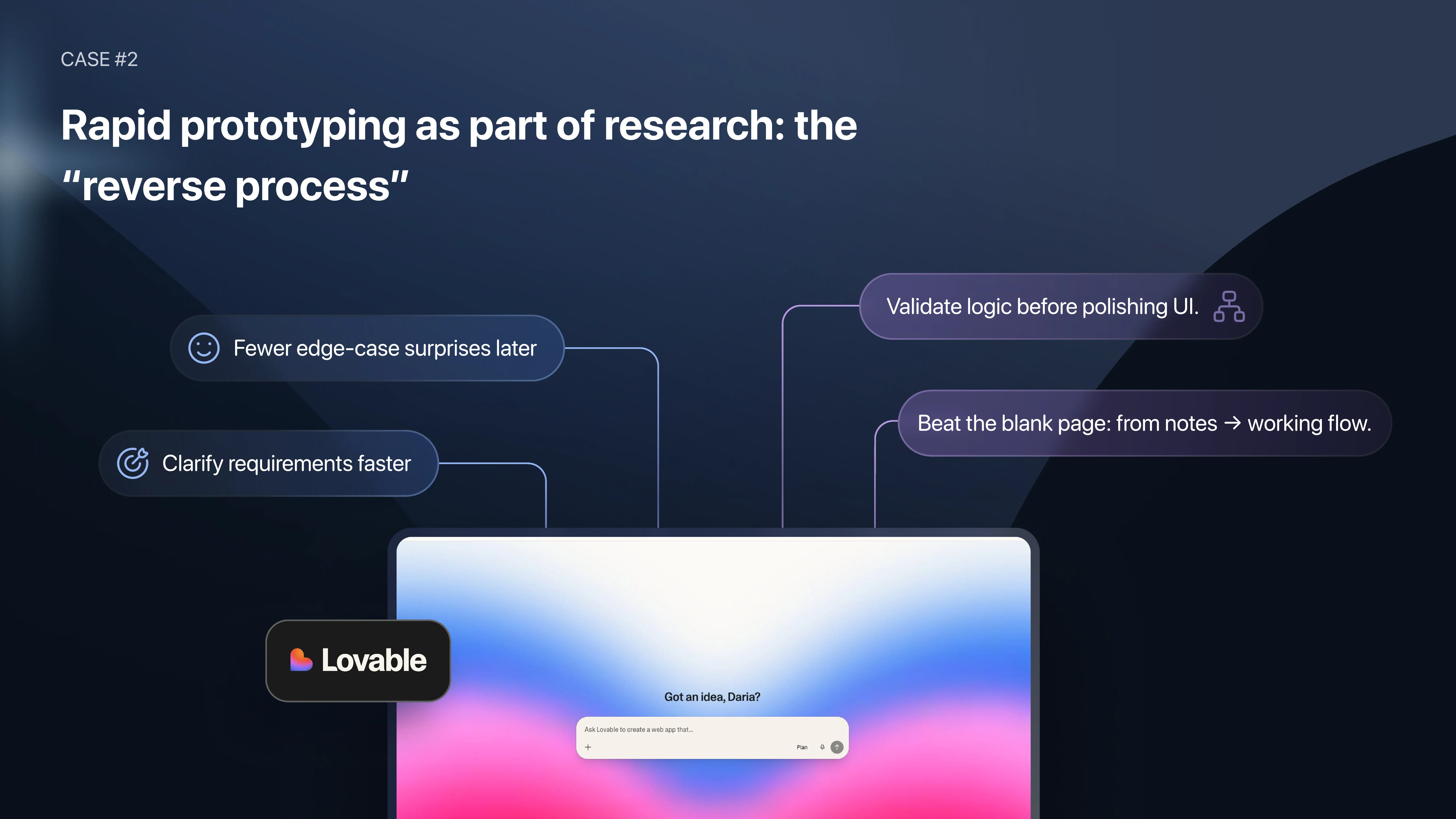
This one happens mid-project. Stakeholders get the product in general, but nobody agrees yet on how specific flows should work. The usual move was to open Figma and start drawing wireframes by hand. We do the reverse: dump everything we know — notes, half-written specs, call transcripts, architecture decisions — into an AI no-code builder like Lovable or v0.
What comes out is a draft. Not a prototype — a draft. "Should search be dynamic or static?" "Does this state need a filter?" Questions that used to take hours of back-and-forth get settled right there with one prompt.
One rule we stick to: keep it ugly. Ask for black-and-white or default styling. A rough canvas communicates its own status. A polished one gets judged like final design, even by experienced clients. Logic confirmed? Then it goes to Figma.
AI Usability Testing on Real Screens with Figma Make
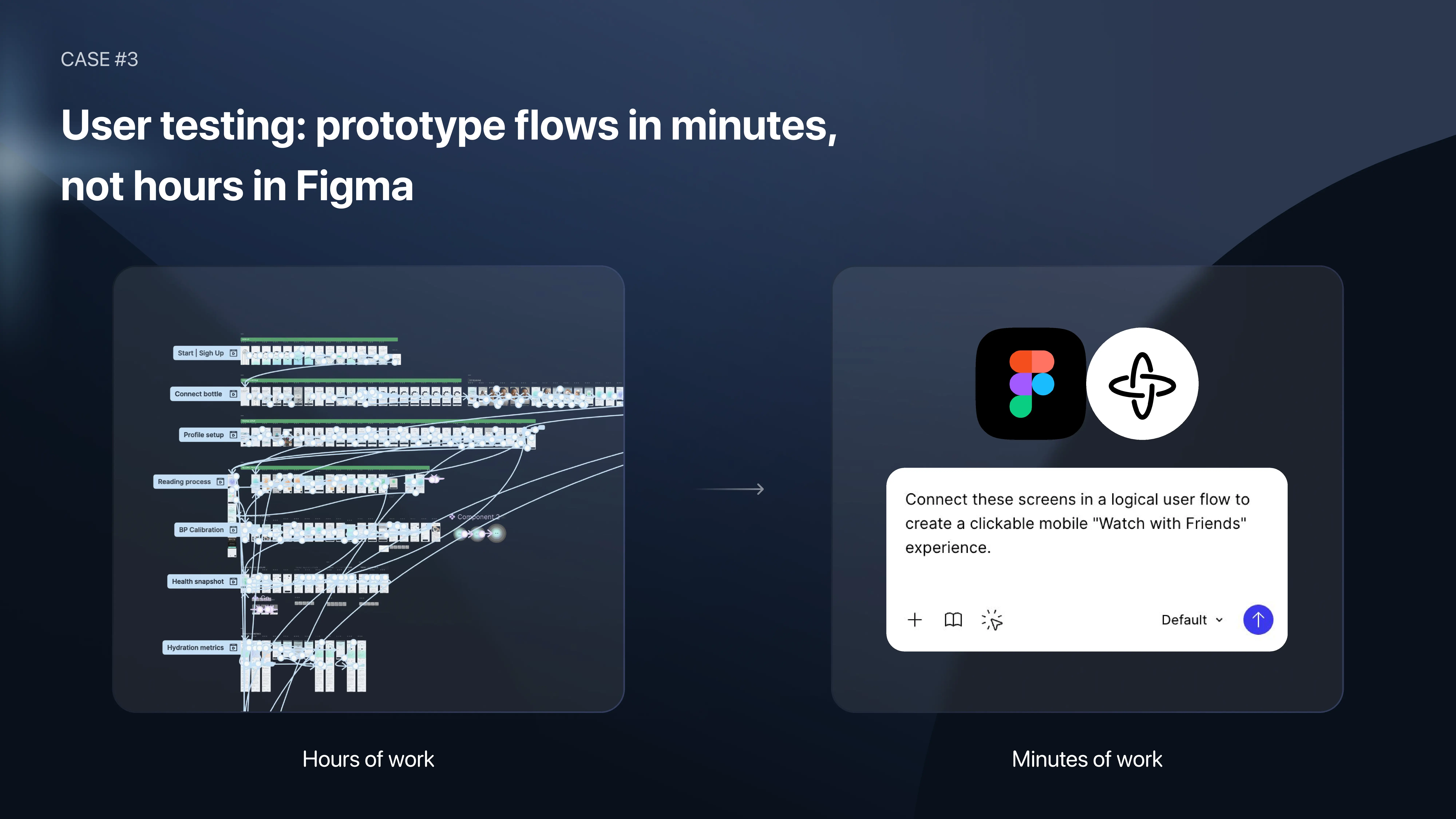
For usability testing we use Figma Make on top of the existing Figma designs. The prototype has to look exactly like the product — otherwise you're testing the prototype, not the product.
Before Figma Make, someone linked every screen and every CTA by hand. Now the designer pulls existing screens into a flow and describes the scenario in a prompt. Users can actually type into fields and see error and success states — try doing that in a classic clickable prototype.
Linking screens was never the valuable part anyway. Writing scenarios, running sessions, making sense of what users did — that stays with the designer.
AI Design-to-Code Handoff with Figma MCP
Figma MCP is a server built on the Model Context Protocol. It lets an AI coding assistant read the Figma file itself: components, tokens, spacing, type styles, how they connect. So the assistant stops guessing from screenshots and reads the source — and the first code draft lands much closer to the approved design.
Anyone who's done a classic handoff knows the drill. Developers measure spacing by eye, ask which text style goes where, and the first build never quite matches. Then come correction rounds nobody planned for. For us at Linkup ST, MCP is the biggest change this part of the process has seen.
Setting it up. Figma now recommends its remote MCP server — you connect it from VS Code, Cursor, Claude Code or another MCP client (a local desktop version exists for some enterprise setups). You'll need a Dev Mode seat. Then pick a screen or component, prompt the assistant — "build this screen in our stack, use our tokens and component library" — check what it gives you, iterate.
Two things decide whether the output is any good:
- Go small. One screen or one component per prompt. Ask for a whole feature at once and the assistant loses the thread.
- Clean the file first. MCP reads exactly what's there. Messy layer names, broken auto layout, colors not tied to tokens — you'll get cleanup work, not reusable code.
MCP doesn't make engineering decisions. Architecture, state, performance, edge cases — still the developer's call. What disappears is the guesswork in the first pass.
AI Tools for UX Design by Stage
No single AI tool covers the whole UX process. Each one we use at Linkup ST does one job at one stage — and each has a limit we've run into. This list only has what our team opens in client work. Nothing we tried once and forgot.
Where AI Doesn't Replace UX Designers
Will AI replace UX designers? Not the part of the job that needs judgment. Picking the right business question, writing test scenarios, reading what users actually did, deciding what to build — that's still people. What AI takes off our plate at Linkup ST is the mechanical stuff: linking screens, digging up sources, the first rough version of anything.
Here's what stays with the team:
- Choosing the question. Demand, logic or usability — that's a business call. Pick the wrong one and AI just helps you get to the wrong answer faster.
- Checking the output. Nielsen Norman Group tested AI-powered UX research tools and found they can produce findings that look solid and aren't. So at Linkup ST, every AI-assisted recommendation goes past a designer before a client sees it.
- Running user tests. AI builds the test prototype. Moderating the session and turning behavior into decisions — human work.
- Managing expectations. A rough AI draft only helps if stakeholders treat it as a draft. Some clients aren't a fit for this, and you have to decide that before the first call, not after.
- Brand and creative direction. AI can stretch a brand across a hundred assets. Creating the brand in the first place takes a person.
- Engineering calls. Architecture, state management, performance, edge cases. Figma MCP or not, developers own those.
AI for Marketing Assets in Product Teams
For product teams, the surprise with AI in marketing isn't speed. It's that things which used to get cut from an MVP budget suddenly fit. Daria, UI/UX Designer and Project Lead at Linkup ST, works right where product design meets visual output, and she puts it like this: "Don't just think of AI as an accelerator. Think of it as an ability tool. It gives you the ability to communicate things you always wanted to communicate with users — but simply didn't have the means to do before." — Daria, UI/UX Designer and Project Lead at Linkup ST
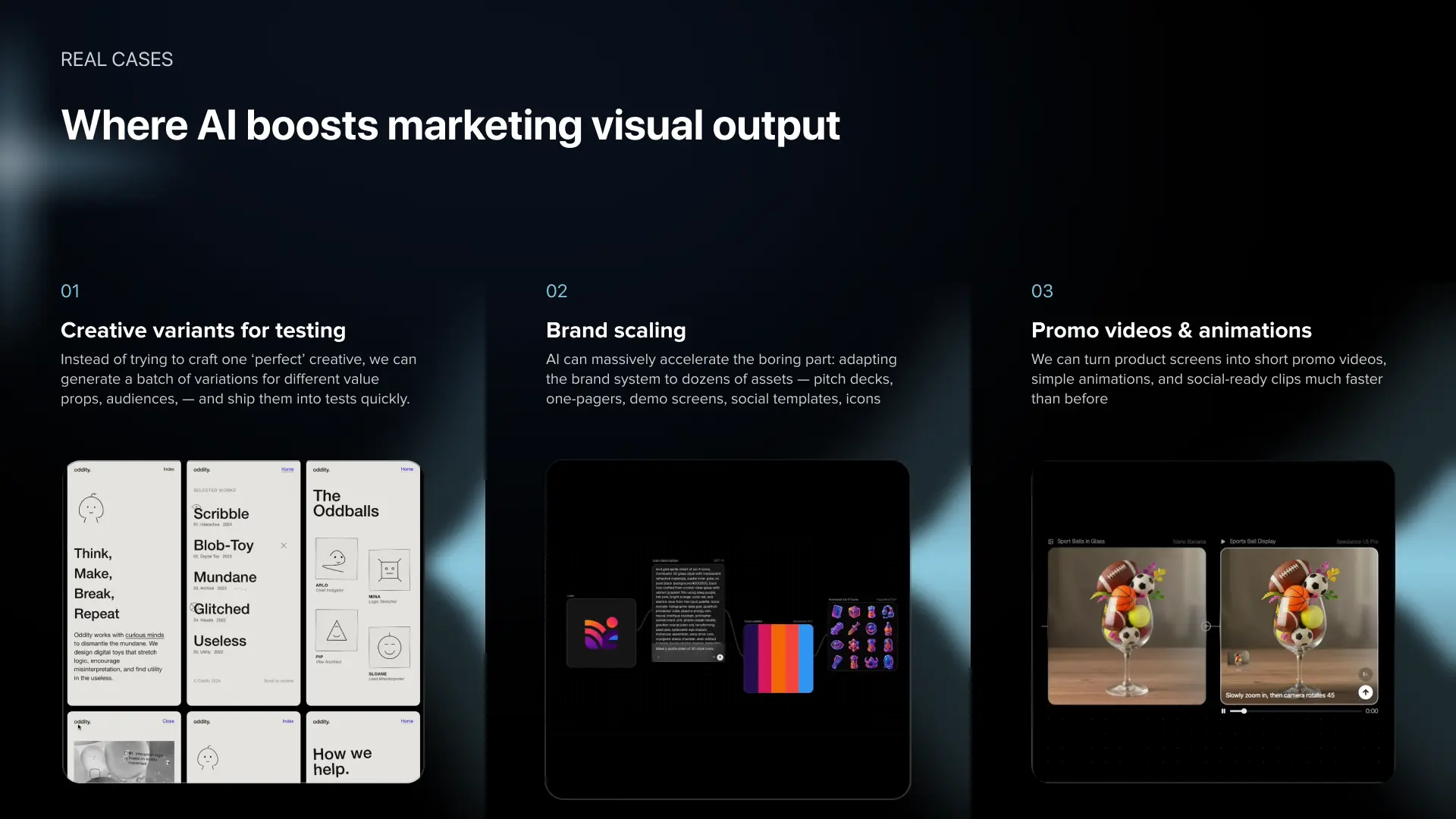
Where we see it most:
- Creative variants. Same ad, ten audiences or regions, without rebuilding each version from zero.
- Brand scaling. One brand stretched across social formats, banners, localized versions.
- Promo video and UI animation. Short product clips and in-app animations, no dedicated motion designer needed.
A real one: on a mobile sports game MVP, we added animated reward sequences in a few days. Before AI tooling that feature simply wouldn't have made it into the budget.
How We Apply AI in Client Projects
We use this workflow on live client work at Linkup ST — early-stage products, and one platform with around 80 million monthly users where speed and quality both have to hold. Here's what changed in practice.
More projects are in our case studies. To see how we run this workflow for product teams, explore our AI product design services and UX audit services.
FAQ
Why are product teams adopting AI for interface design?
Mostly to find out early whether an idea works, before the design and dev budget is spent. Drafts, prototypes and test flows now take minutes or hours instead of days. For us at Linkup ST, the real win is fewer expensive mistakes discovered late — speed is a side effect.
What are the advantages of AI-powered UX design?
Three, in our experience. Research gets faster — our UX audits went from about five working days to one. Validation gets cheaper, since you can check demand before anyone writes code. And handoff gets smoother: with Figma MCP the first code draft sits much closer to the approved design.
How is AI changing wireframing and early-stage design?
Fewer teams draw early wireframes by hand now. They throw notes, specs and call transcripts into Lovable or v0, get a rough draft back, and sort out the logic with stakeholders on a live call. At Linkup ST we keep those drafts deliberately plain and only move to Figma once the logic is agreed.
How do product teams approach prompt-driven interface design?
Start with setup — a role, project context, constraints, and what the output should look like. Then go in small steps, one screen or component per prompt, and review each result. Nothing AI-generated goes to a client or to production at Linkup ST until a designer has checked it.
How do you capture product screens and ask AI for UX improvements?
Share your screen with an AI tool that supports live conversation — we use Google AI Studio — and talk through the flow out loud. Point at what feels wrong, ask for fixes, then ask for the research behind each fix. We record every session, so the findings don't live only in someone's head.
Will AI replace UX designers?
No, but it changes where their hours go. Linking screens, collecting sources, first drafts — AI handles those. Choosing the right question, writing test scenarios, reading user behavior and making the design call still sit with designers in our process at Linkup ST.
Who helps product teams design AI and UX faster than traditional consultancies?
Usually UI/UX agencies that have rebuilt their own process around AI — Linkup ST is one of them. They can turn around audits and validated prototypes faster than a classic consultancy. Whoever you talk to, ask for real timelines and outcomes from past projects. We also keep a comparison of AI design companies.
How do you decide between a landing page, the reverse process, and Figma Make for prototyping?
Look at the question you're answering. Does anyone want this? Landing page, waitlist or fake door. How should the logic work? Reverse process with an AI no-code builder. How do people use an existing flow? Figma Make on real screens. Once the question is clear, the tool picks itself.
Does Figma MCP replace the traditional development handoff?
It changes the handoff a lot, but developers are still needed. The coding assistant reads real Figma data instead of screenshots, so the first draft is far more accurate. Architecture, state, performance and edge cases stay with engineers. Clean file, one screen per prompt — that's when it really pays off.
How do you prevent stakeholders from treating an AI draft as the final design?
Tell them up front that it's a thinking tool and not a deliverable. Then make it look unfinished — ask for black-and-white or default styling in the prompt itself. Rough drafts keep people talking about logic. And not every client fits this approach, so at Linkup ST we make that call before the project starts.
Conclusion
AI in UX design pays off when teams rebuild their process around the points where it creates leverage, not when they add AI tools on top of an unchanged workflow. Every team now has access to the same tools. At Linkup ST, the result is UX audits in a day instead of a week, stakeholder alignment in a single session, and handoffs that need fewer correction cycles. If you are working on an audit, a validation question, or a handoff problem, we are happy to discuss your case.
.avif)